This is the real thing. Go on, turn it.
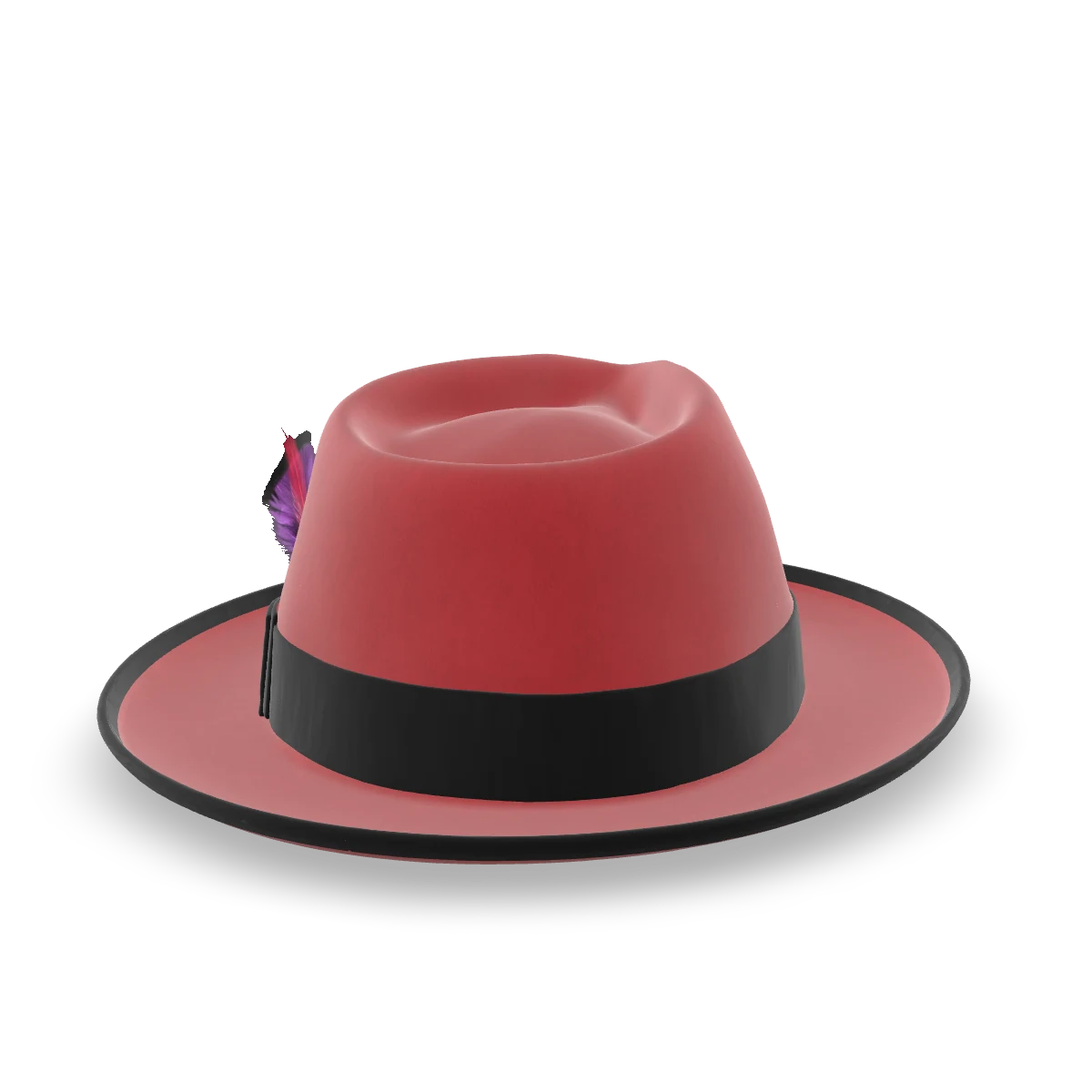
This is the Orbit3D configurator as a shopper meets it on a product page. Same code, same options, same price. It loads when it comes into view or on touch.
Nothing is charged here. The demo runs without a store behind it.
Loading the 3D engine
The 3D demo did not load. , or see it on the demo store.
This is our demo product. Kwal-ity Hats is Orbit3D's own demo brand, built to show what a store on Orbit3D looks like. It is not a customer, and nobody here is a customer.
Five things a shopper would do.
Each one is a real option in the configurator above.
- 1Turn it. Drag anywhere on the hat. Pinch or scroll to zoom in on the ribbon.
- 2Tap the ribbon. The options jump to Ribbon Color. Try Turquoise, then Gold.
- 3Pick a hat colour. Gunmetal Gray, Silverbelly, Powder Blue. Watch the felt change, not a photo swap.
- 4Change the size. Small through XX Large, the way a hat maker actually sells them.
- 5Switch on engraving. Set Engraving to Yes. Then look at the price. Every choice that costs something shows up in it as you go.
- Two more if you are enjoying yourself: turn Two Tone on and colour the crown and brim separately, or add a feather (there are eight).
See it in a real store
Kwal-ity Hats is our demo store on Shopify, built the way a premium hat maker would build it, with Orbit3D on the product pages. It is password protected. The View demo store link on our App Store listing lets you in.
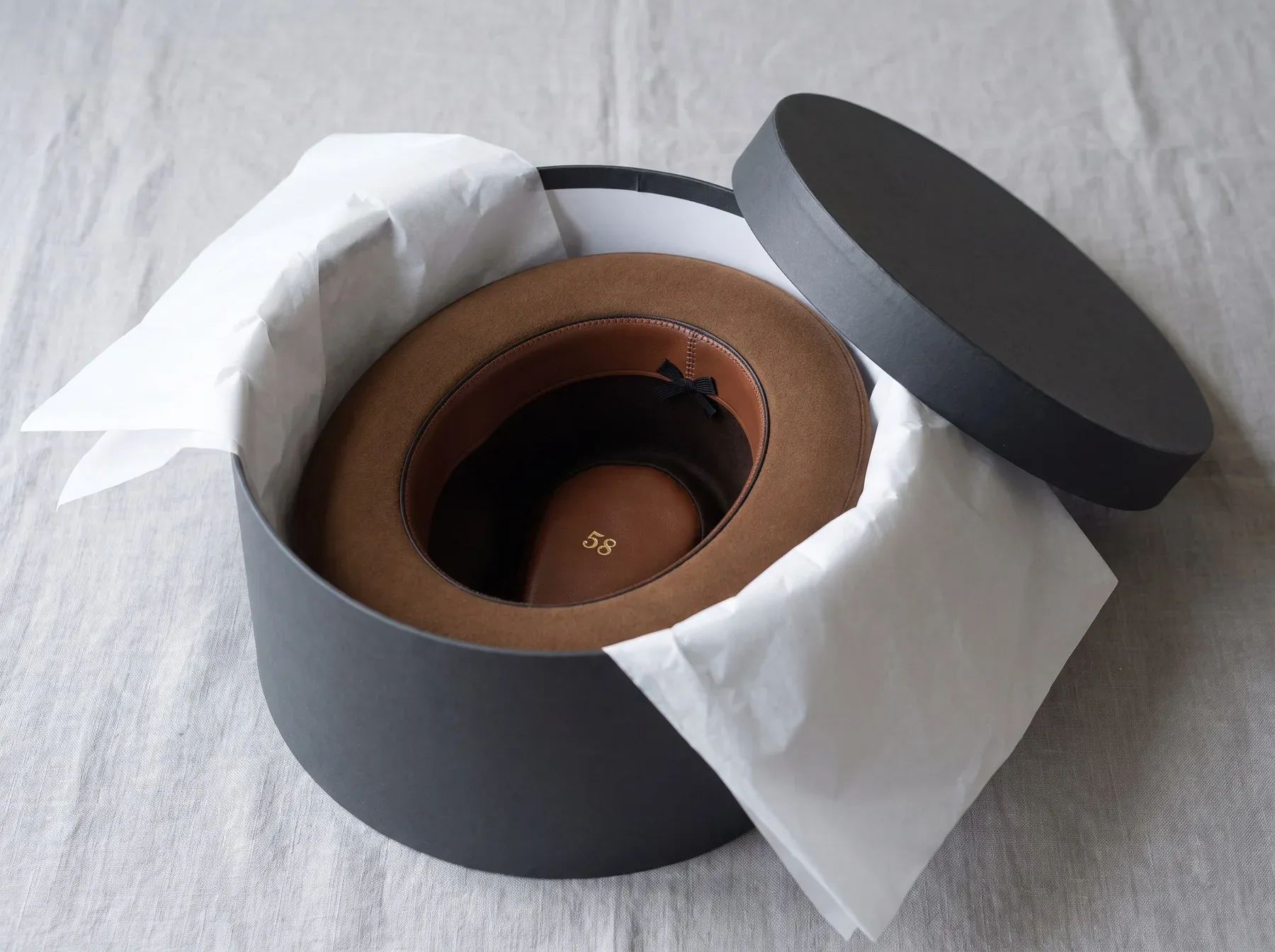
A standard Orbit3D setup.
Everything you touched is a standard Orbit3D setup: option groups, parts of one 3D model, a price for each choice, and rules about which options appear. Merchants build the same thing by describing their product to the Setup Assistant and approving what it builds. Or our team builds it for them.
One thing you cannot do here: check out. The demo runs without a store behind it. On a real store, checkout charges the signed price, and the Trust page explains how that is guaranteed.
How it works, step by stepHow the price is protectedPlans and pricing
Now build one for your product.
Book a demo and see what your own product could look like. Or start free on Shopify: build and preview your first product at no cost.
Free plan to build and preview. Paid plans include a 7-day trial. 0% of your sales, on every plan.